
Practical device guide
Portable, USB-Powered or Rechargeable? Read Diffuser Power Claims
Separate operating power from battery charging, using manufacturer instructions to check cables, adapters, charging pads and transport directions.
On this page
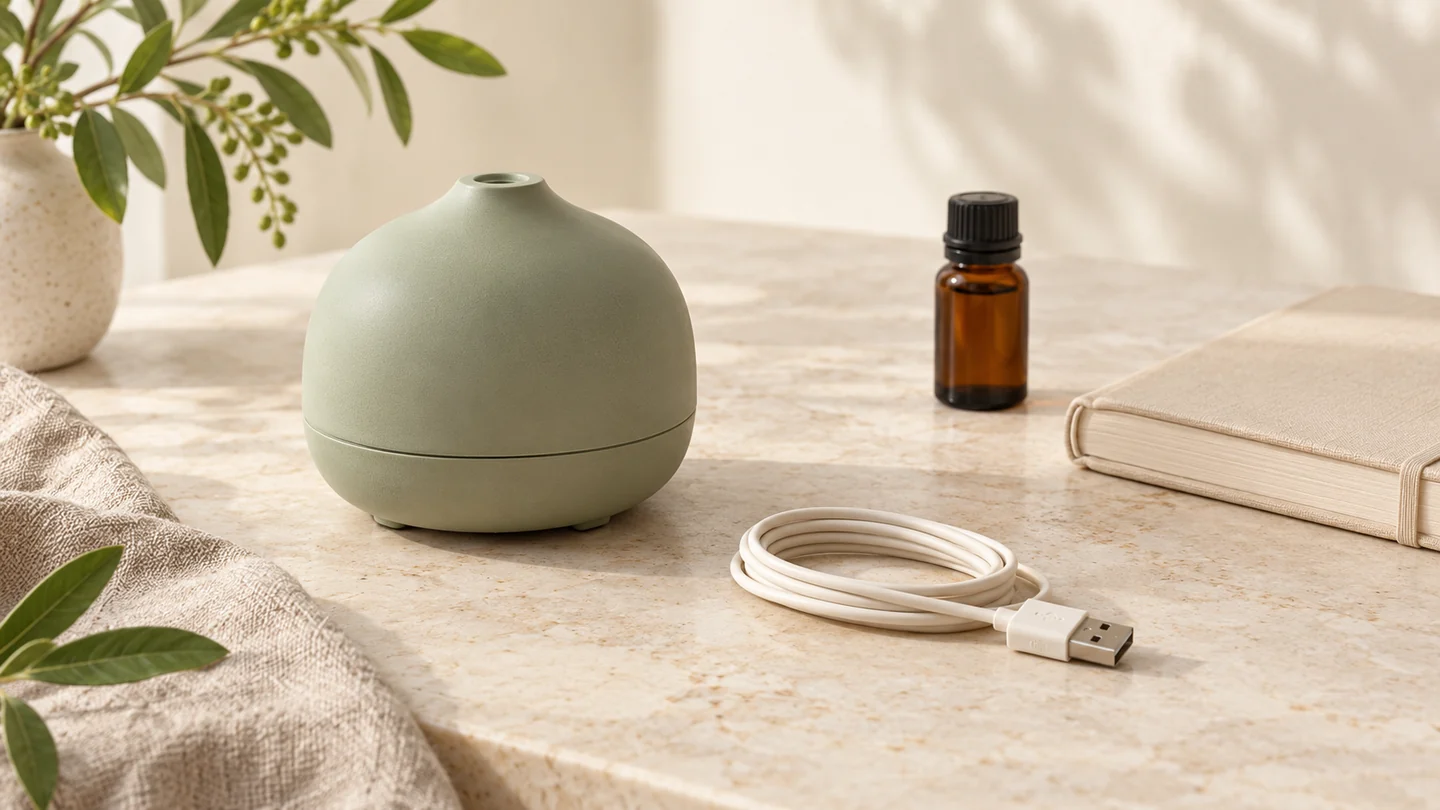
“Portable” does not tell you whether a diffuser runs without a cable. Look for an explicit explanation of its power source, battery and charging method. USB power, a wall adapter and a rechargeable battery describe different parts of the setup, and a device may use more than one of them.
This is an informational guide to reading manufacturer documents, not a product shortlist. The models below illustrate different instructions; we have not tested their electrical performance, battery endurance or suitability for a particular desk. Our diffuser comparison guide covers the broader design choices.
Separate power during use from charging
Before comparing a small diffuser, answer two questions: what supplies power while it runs, and what, if anything, is being charged? A cable in the box does not answer both.
| Description | Evidence to look for | Detail still to confirm |
|---|---|---|
| Portable | The actual operating and transport instructions | Whether it needs an external power source during use |
| USB-powered | The supplied cable and the specified power-source instructions | Whether a suitable adapter is included and whether a battery is documented |
| Rechargeable or cordless | A battery description and a charging procedure | How to recognise a full charge and which operating modes the stated duration covers |
| Charging pad | Instructions explaining what the pad charges | Whether a cable must remain attached to the pad |
Treat these as questions for the exact model, rather than definitions that make every retailer's wording consistent. Keep any unanswered field marked unknown.
What a USB power instruction actually establishes
InnoGear's downloads page links a UD50 50 mL USB Car Diffuser manual. That document calls it USB-powered and instructs the user to connect the included USB cable to the diffuser's DC socket. It also specifies the power arrangement and says to use the supplied USB cord and car adapter. InnoGear: official downloads; UD50 manual.
Those instructions describe external power. We would not turn the word USB into a claim that the unit contains a rechargeable battery, or that every computer port and phone charger is an approved substitute. The device-side connector also needs checking: a USB power description does not by itself identify the connector at both ends of the cable.
What explicit battery documentation looks like
Vitruvi describes Move as a cordless diffuser in its guide to diffuser types. Its Move support page discusses charging its battery, connecting the charging cord directly to the back of the diffuser, and charging through a powered pad. It says the four rear lights stop blinking when the unit is fully charged, and directs owners to use the original power cord. That is explicit charging information rather than an inference from the device's size or name. Vitruvi: Move setup and charging FAQ.
A pad can help organise a setup, but it still has its own power connection in this example. Keep the diffuser's cordless use and the pad's cable as separate details when deciding where everything would sit. We are not using this support page to promise a measured battery duration.
Small size does not remove the placement task
Stadler Form's Mia instructions describe connecting a power adapter to the device and then to a suitable socket. The manual also tells owners not to carry Mia while it is filled with water, because water could reach the electronics. This is a useful reminder to read transport instructions separately from a compact product description. Stadler Form: Mia operating instructions.
For a desk, sketch the whole arrangement: the device, its lead, any required adapter or charging pad, and access for the care routine. Check where the cable enters the body and whether you can reach the controls without moving the unit. Follow the exact model's placement directions; do not plan around an unverified replacement supply simply because its plug looks similar.
A short check before ordering
Save the exact model name and the matching manual. Then record:
- Whether the stated setup uses an external power source during operation.
- Whether a battery and charging procedure are explicitly documented.
- Which cord, adapter or pad is supplied for your region.
- What the maker says about filling, moving and cleaning that model.
If the listing and manual disagree, ask the manufacturer which version applies before relying on either description. A timer preset is another separate feature: our timer and automatic-shutoff guide explains that distinction. Finally, read the diffuser cleaning checklist so the power arrangement works with the maintenance routine too.